---
description: Embedding tracks, playlists, albums, and artists via iframe with layout and theme options.
---
# Embedding
Koel supports embedding tracks, playlists (including smart playlists), albums, and artists. To create a new embed,
right-click on the track/playlist/album/artist to bring up the context menu and select "Embed…". The Create Embed dialog
will appear.
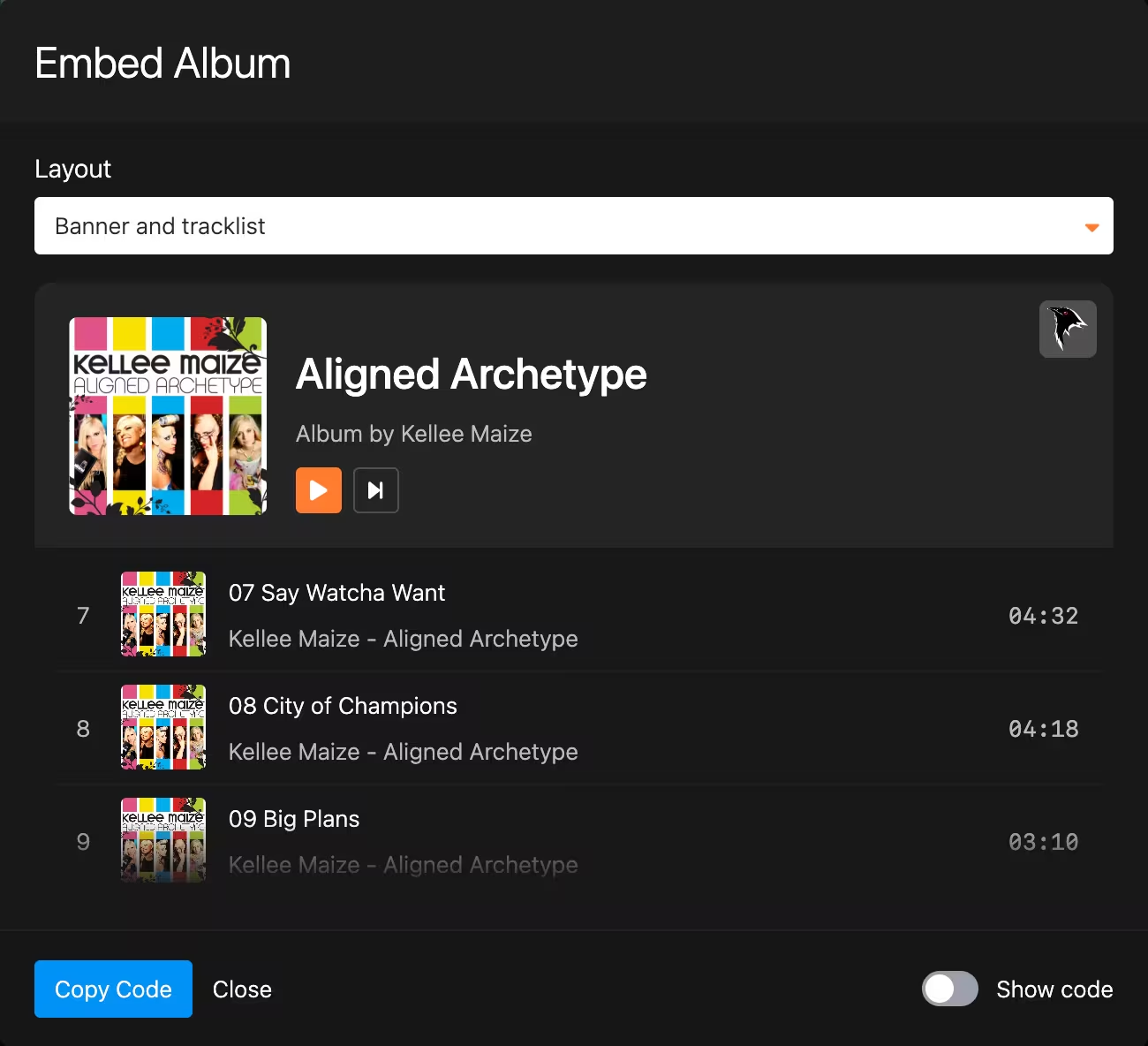 Here you can pick the layout of the embed: either showing both the banner and the tracklist or showing only the banner.
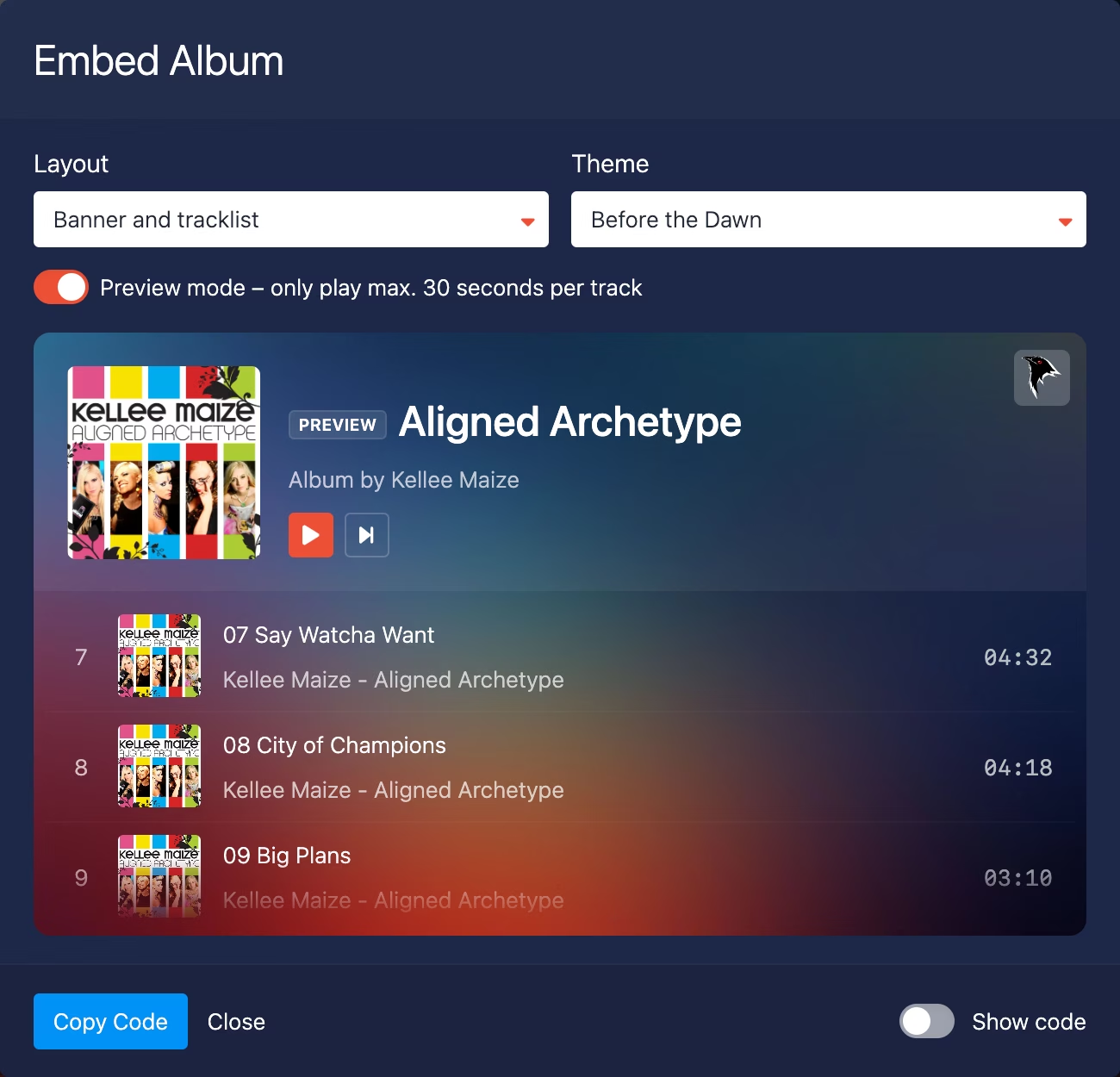
Users with a [Koel Plus](/plus/what-is-koel-plus) license can additionally choose a theme and toggle the
Preview mode, which plays a 30-second sample instead of the full track.
Here you can pick the layout of the embed: either showing both the banner and the tracklist or showing only the banner.
Users with a [Koel Plus](/plus/what-is-koel-plus) license can additionally choose a theme and toggle the
Preview mode, which plays a 30-second sample instead of the full track.
 Once you're happy with the embed, click the "Copy Code" button to copy the embed code to your clipboard. Now you can
paste it anywhere you want, e.g., in a blog post, and visitors will see the embed and be able to play the included
track(s) without having to log in.
:::warning Legal Notice
Embedded tracks are available publicly by nature, so make sure you have the rights to distribute them.
Koel is not responsible for any copyright issues.
:::
:::info Allow iframes
Since the embed is an iframe, make sure your Koel's webserver sends the proper `X-Frame-Options` response header—or
doesn't send one at all, which would allow the iframe to be embedded _anywhere_. If you're not familiar with the
concept, read more about it
[here](https://developer.mozilla.org/en-US/docs/Web/HTTP/Headers/X-Frame-Options).
Once you're happy with the embed, click the "Copy Code" button to copy the embed code to your clipboard. Now you can
paste it anywhere you want, e.g., in a blog post, and visitors will see the embed and be able to play the included
track(s) without having to log in.
:::warning Legal Notice
Embedded tracks are available publicly by nature, so make sure you have the rights to distribute them.
Koel is not responsible for any copyright issues.
:::
:::info Allow iframes
Since the embed is an iframe, make sure your Koel's webserver sends the proper `X-Frame-Options` response header—or
doesn't send one at all, which would allow the iframe to be embedded _anywhere_. If you're not familiar with the
concept, read more about it
[here](https://developer.mozilla.org/en-US/docs/Web/HTTP/Headers/X-Frame-Options).